First IWC ever it was quite a journey for me in searching for the perfect watch that suits my personality and taste. Glad to join the IWC club finally.
I can't seem to find the post that has instructions on how to post an image. Help?

First IWC ever it was quite a journey for me in searching for the perfect watch that suits my personality and taste. Glad to join the IWC club finally.
I can't seem to find the post that has instructions on how to post an image. Help?

congratulations on your first iwc! may it be the first of many. here are abbreviated instructions as summarised by forum member shing. cheers, vinhthang
[QUOTE="shing"]here u go:
Picture Uploading - A Snappy Guide
To upload a pic to the forum, you will need to first upload the picture onto a hosting site. This can be space provided by your internet service provider (your account may already come with one with a limited size). Whatever the case, the pic has to reside on a permanently live server and cannot be on your harddrive.
Quick Step One: most people sign up for a free host at www.photobucket.com
Quick Step Two: Upload your pic, preferably in 640x480 size
Quick Step Three: Look for this box below and click on the URL beside IMG Code, and paste it directly in ‘Your Comment’ box when writing a new comment in the forum. 
Quick Step Four: check, check, check that you have successfully uploaded the pic (like I have done with the image directly above :) by using the preview button i.e. clicking on the ‘tick’, just above the ‘Your Comment’ box. And you’re done !
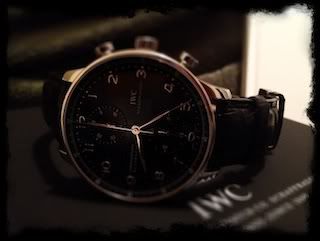
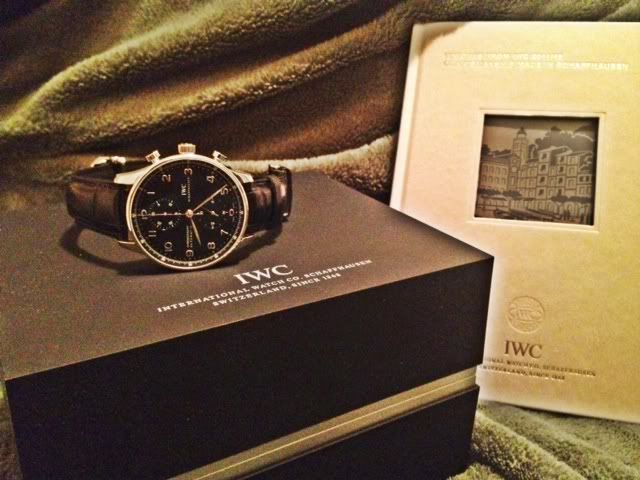
Here it is. Thanks for the tips on uploading pics.